

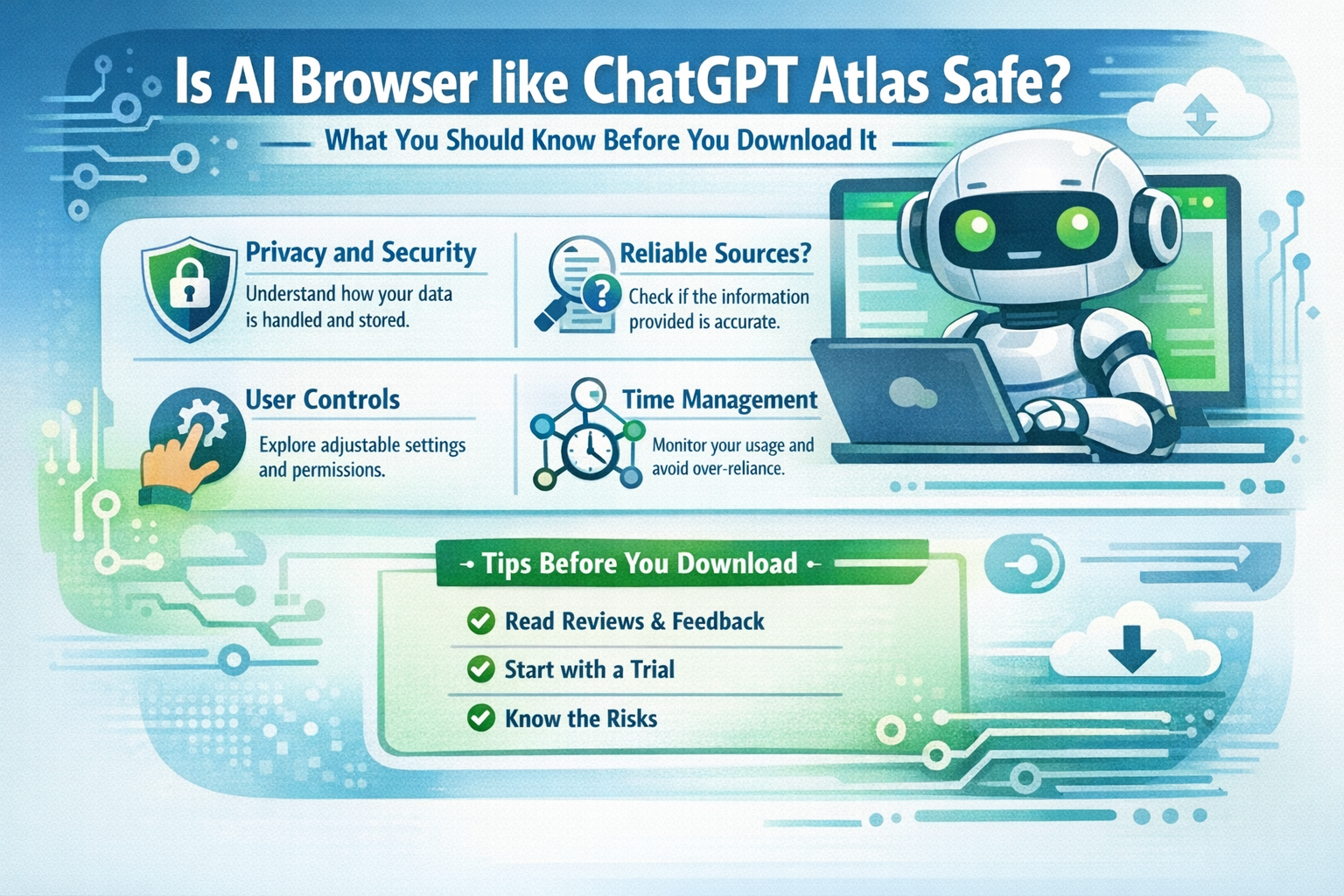
ChatGPT Atlas markets itself as the ultimate AI-powered browser from OpenAI, blending ChatGPT intelligence directly into browsing. Security researchers question whether its deep web content analysis creates unacceptable risks. Multiple vulnerabilities found in similar AI browsers raise red flags about Atlas specifically.
What ChatGPT Atlas Promises
Atlas offers cross-tab conversations, page summarization, and autonomous agents that handle tasks like booking or shopping directly from open pages. Memory features maintain context across sessions. The pitch sounds revolutionary for productivity.
These capabilities require processing every open tab’s content continuously through OpenAI’s language models.
How Atlas Processes Your Browsing Data
Every highlight, question, or agent command sends page text to OpenAI servers. Cross-session memory stores browsing patterns long-term. While marketed as “context-aware,” this means your banking tabs, email previews, and shopping carts become training data.
Local processing claims exist but default to cloud for speed. Privacy controls prove buried in advanced settings.
Known Security Vulnerabilities
AI browsers face prompt injection attacks where malicious websites embed hidden commands. Atlas’s deep content analysis amplifies this risk compared to traditional browsers. Researchers demonstrated similar OpenAI integrations leaking session data.
Prompt Injection Risks
Attackers hide instructions in invisible text or image metadata. Atlas AI prioritizes these over user queries, potentially extracting credentials or authorizing transactions. No browser fully eliminates this vector yet.
A Trap Scenario
Imagine you go to a website to download apk, a hacker puts a secret script that injects malicious prompts into ChatGPT Atlas while it analyzes the download page for “safety,” causing the AI to scan your adjacent banking tabs, extract active session tokens, and transmit them to the attacker’s server during the verification process.
Agents execute these injections automatically without user confirmation.
Privacy Concerns with OpenAI Integration
OpenAI’s data retention policies apply. Page summaries, user corrections, and memory snapshots feed model improvements. Even deleted conversations persist in training datasets per terms of service. Financial sites prove particularly vulnerable to pattern reconstruction.
Comparison: Atlas vs Other AI Browsers
| Browser | Local Processing | Injection Risk | Data Retention | OpenAI Integration |
|---|---|---|---|---|
| ChatGPT Atlas | Limited | High | Long-term | Direct |
| Brave Leo | Primary | Medium | User-Control | None |
| Perplexity Comet | Cloud-Only | Critical | Indefinite | Separate |
Expert Security Recommendations
Cybersecurity professionals advise against daily use of agentic browsers. Disable Atlas on financial sites. Use incognito mode exclusively. Monitor developer tools for unexpected network calls to OpenAI endpoints.
Researchers recommend virtual machines for testing. Standard Chrome with ChatGPT tabs proves safer for equivalent functionality.
What to Check Before Installing
Review OpenAI’s latest privacy policy updates. Test network traffic during page summaries. Verify agent permission scopes in settings. Check recent CVE reports for Atlas specifically. Read independent security audits if available.
Safer Alternatives for AI Features
Open ChatGPT in dedicated Chrome tabs with uBlock Origin. Use Perplexity.com separately from browsing. Browser extensions like “WebChatGPT” provide summarization without replacing core browser security. Achieve 80% functionality with 20% risk.
Final Thoughts
ChatGPT Atlas delivers impressive intelligence but inherits AI browser vulnerabilities like prompt injection and pervasive data transmission. Security researchers document real exploits across similar implementations. Casual users face account compromise risks too high for convenience gains. Proven browser + AI tab combinations deliver safer productivity today.
FAQs
1. Does Atlas run locally like Brave Leo?
Primarily cloud-based. Local fallback exists but degrades performance significantly.
2. Fixed prompt injection in recent updates?
Mitigations improved. Zero-day variants remain effective against current defenses.
3. Safe for casual research only?
Better than full replacement browsers. Still transmits page content to OpenAI continuously.
4. OpenAI data policies changed recently?
Retention expanded for “service improvement.” Deleted data persists in aggregated form.
5. Enterprise version more secure?
Claims better controls. Independent verification lacking. Consumer builds prove riskier.

Discover Modern Comfort: A Guide to Apartment Rent in Beirut
Beirut, the lively capital of Lebanon, is a city that blends deep-rooted history with a mo…



Discover Modern Comfort: A Guide to Apartment Rent in Beirut
Beirut, the lively capital of Lebanon, is a city that blends deep-rooted history with …