

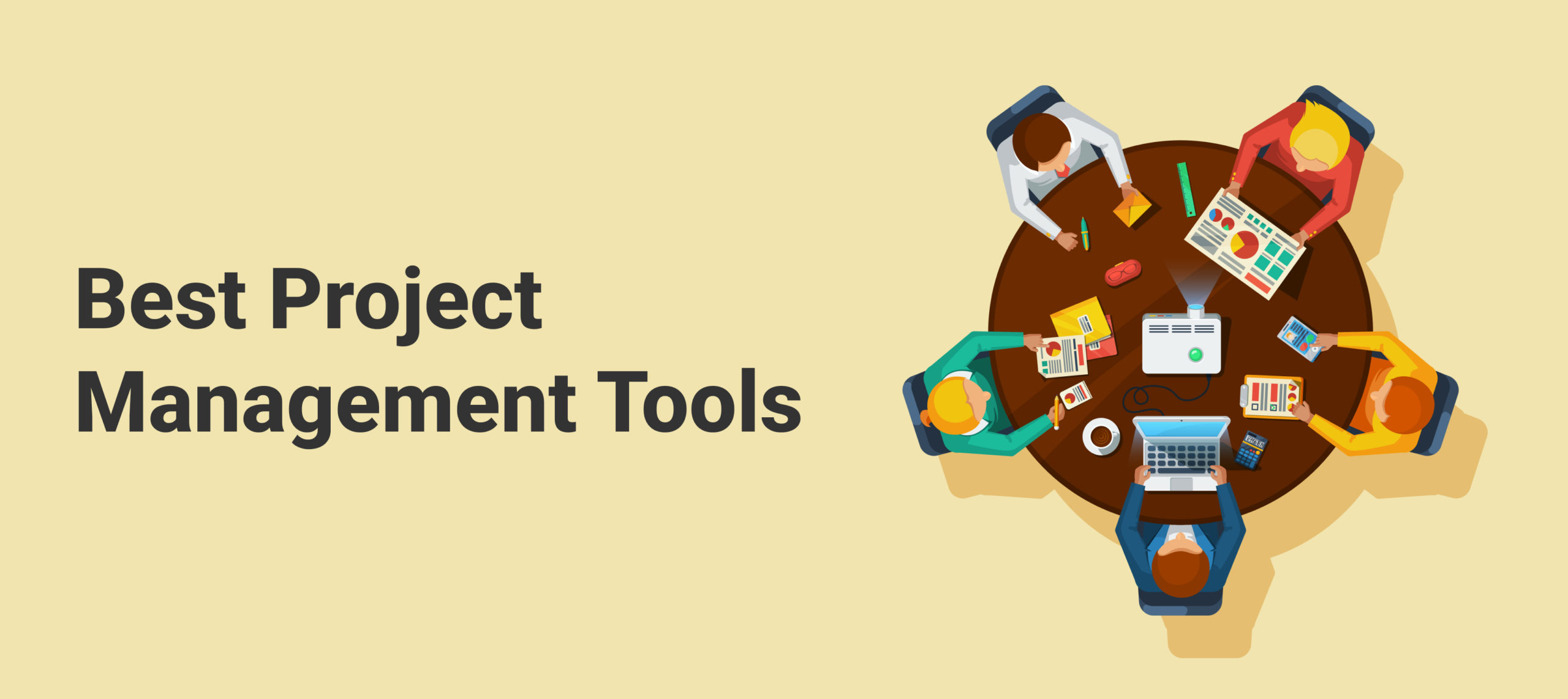
Understanding Project Management Tools
Modern work demands structure, speed, and clarity. That’s exactly where a project management tool steps in.
Definition and Core Purpose
A project management tool is a digital platform that helps teams organize work, assign responsibilities, track progress, and deliver projects on time. Instead of juggling spreadsheets, emails, and meetings, everything lives in one place.
It’s like having a shared brain for your entire team—everyone knows what’s happening without asking a dozen questions.
Why Businesses Rely on Project Management Software
Businesses rely on project management tools because they reduce confusion, improve productivity, and keep projects aligned with goals. When work is visible, mistakes decrease and results improve.
How Project Management Tools Work
Planning and Structuring Projects
Every project starts with a plan. Project management tools help break big goals into smaller, manageable tasks with clear deadlines.
Execution and Task Monitoring
Once work begins, the tool tracks progress in real time. Managers can instantly see what’s on track and what needs attention.
Review and Optimization
After completion, performance data helps teams identify strengths and areas for improvement—turning every project into a learning opportunity.
Essential Components of a Project Management Tool
Task Creation and Dependencies
Tasks define what needs to be done and in what order.
Subtasks and Checklists
Subtasks break complex work into bite-sized actions, making large projects feel achievable.
Time Tracking and Deadlines
Time tracking shows how long tasks take, helping teams estimate future projects more accurately.
Collaboration and Notifications
Real-time notifications keep everyone informed. No more chasing updates or missed messages.
Dashboards and Visual Insights
Dashboards present data visually, making it easy to understand project health at a glance.
Project Management Methodologies Supported by Tools
Waterfall Project Management
Best for structured projects with fixed requirements, such as construction or manufacturing.
Agile and Scrum Framework
Ideal for fast-moving teams that need flexibility and continuous improvement, especially in software development.
Kanban Workflow System
Visual boards help teams manage ongoing work and maintain steady progress.
Advantages of Using a Project Management Tool
Clear Visibility Across Projects
Everyone knows what’s happening—no surprises, no guesswork.
Improved Team Accountability
Assigned tasks mean clear ownership and responsibility.
Faster Decision Making
With real-time data, managers can make informed decisions quickly.
Better Resource Allocation
Workloads are balanced, preventing burnout and bottlenecks.
Project Management Tools vs Manual Management
Accuracy and Reliability
Manual tracking is prone to errors. Digital tools provide accurate, up-to-date information.
Scalability for Growing Teams
As teams grow, project management tools grow with them.
Real-Time Updates
Instant updates ensure alignment across departments and locations.
Selecting the Best Project Management Tool
Business Goals and Use Cases
Choose a tool that aligns with how your team works, not the other way around.
Customization and Flexibility
Every team is different. Custom workflows make tools more effective.
Security and Data Privacy
Strong security ensures sensitive project data stays protected.
Support and Training Availability
Good support ensures smooth adoption and long-term success.
Industry Use Cases of Project Management Tools
Digital Marketing Agencies
Campaign planning, deadlines, and approvals become easy to manage.
Product Development Teams
From idea to launch, everything stays organized and transparent.
Event Management
Timelines, vendors, and logistics are tracked effortlessly.
Finance and Operations
Process tracking and compliance management become streamlined.
Common Mistakes When Using Project Management Tools
Overcomplicating Workflows
Too many steps slow teams down. Keep it simple.
Ignoring Team Feedback
Your team uses the tool daily—listen to them.
Lack of Regular Reviews
Regular check-ins ensure the tool continues to deliver value.
Best Tips to Maximize Project Management Tool Performance
Automate Repetitive Tasks
Automation saves time and reduces human error.
Maintain Consistent Updates
Accurate data leads to better decisions.
Use Reports for Strategic Planning
Reports turn raw data into actionable insights.
The Future of Project Management Tools
Artificial Intelligence Integration
AI will predict delays, suggest improvements, and optimize workflows.
Predictive Project Analytics
Future tools will forecast risks before they happen.
Enhanced Mobile Accessibility
Work will be managed anytime, anywhere.
Conclusion
A project management tool is no longer just a nice-to-have—it’s a necessity. It brings order to chaos, clarity to confusion, and momentum to teams. Whether you’re running a startup or managing enterprise projects, the right tool can completely transform how you work.
FAQs
1. Can a project management tool replace spreadsheets?
Yes, it offers more automation, visibility, and collaboration than spreadsheets.
2. Are project management tools expensive?
Many affordable options exist for small and medium-sized teams.
3. Do these tools work for remote teams?
They are designed specifically to support remote and hybrid work environments.
4. Is training required to use a project management tool?
Most tools are intuitive, and basic training is usually enough.
5. How do project management tools improve productivity?
They reduce confusion, streamline workflows, and keep teams focused on priorities.
Discover Modern Comfort: A Guide to Apartment Rent in Beirut
Beirut, the lively capital of Lebanon, is a city that blends deep-rooted history with a mo…



Discover Modern Comfort: A Guide to Apartment Rent in Beirut
Beirut, the lively capital of Lebanon, is a city that blends deep-rooted history with …